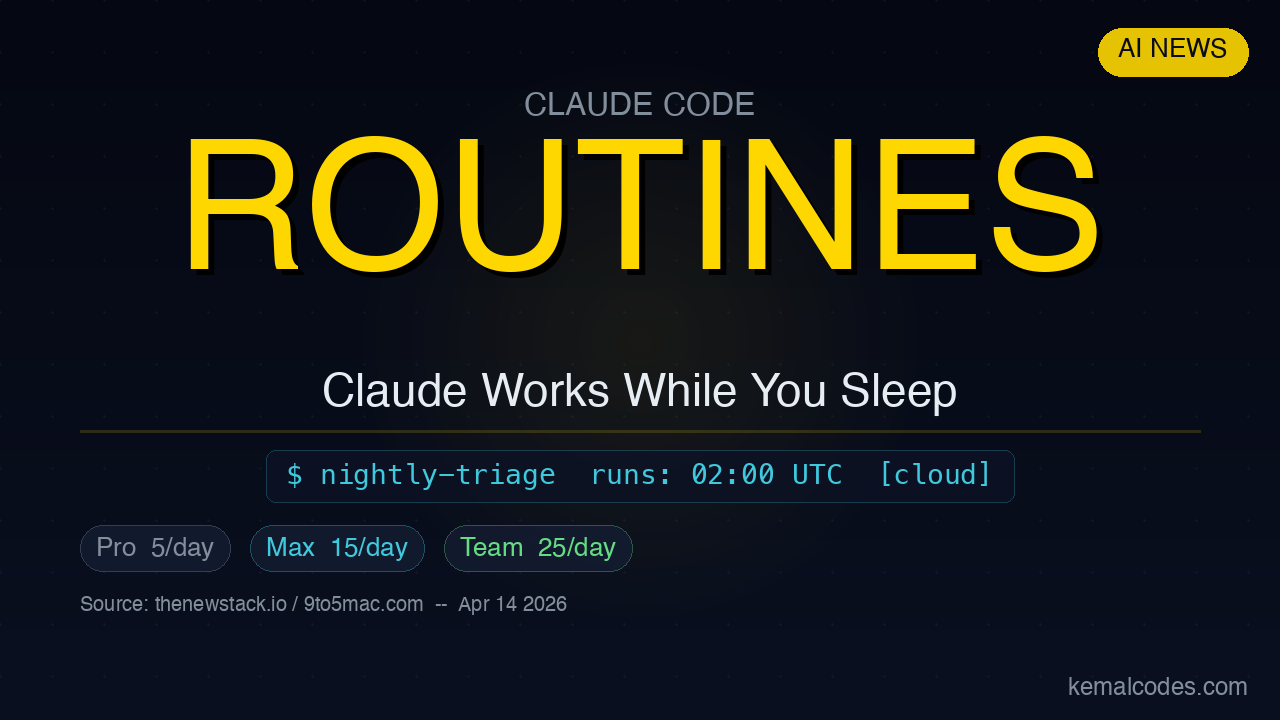
Anthropic launched a new Claude Code feature on April 14, 2026: Routines.
A Routine is a Claude Code automation that runs in Anthropic’s cloud. You set it up once. Then it runs on a schedule, on an API call, or when a GitHub event fires — with your Mac completely off.
What Is a Routine?
A Routine packages three things together:
- A prompt — what you want Claude to do
- A repo — which codebase it works on
- Connectors — any integrations it needs access to
Once configured, Claude runs the task automatically. No local machine required. No API key juggling. No GitHub Actions YAML to maintain.
Three Ways to Trigger a Routine
Routines support three trigger types:
- Schedule — run at a set time or interval (like every night at 2 AM)
- API call — trigger from external code or another tool
- GitHub event — fire when something happens in your repo (push, PR opened, etc.)
This makes Routines useful for tasks that are repetitive, time-sensitive, or event-driven.
Common Use Cases
Anthropic highlighted these examples at launch:
- Nightly issue triage — Claude reads new GitHub issues overnight and labels or prioritizes them
- Weekly pull request scans — check open PRs for stale reviews or missing tests
- Deployment smoke checks — run regression detection after each deploy
- Documentation freshness validation — flag docs that reference outdated APIs
These are exactly the tasks that sit in your backlog because they are boring but important.
Run Limits by Plan
Routines launched as a research preview. Current daily run limits:
| Plan | Runs per day |
|---|---|
| Pro ($20/month) | 5 |
| Max ($100–$200/month) | 15 |
| Team & Enterprise | 25 |
Overage billing is available if you need more.
How This Compares to GitHub Actions
GitHub Actions can do similar things. But there are tradeoffs:
GitHub Actions:
- You write and maintain YAML
- You manage secrets and API keys
- Runs on GitHub’s infrastructure
Claude Code Routines:
- You write a plain-language prompt
- Claude handles the reasoning and action
- Runs on Anthropic’s infrastructure with your connectors already attached
Routines are not a replacement for complex CI/CD pipelines. They are better for tasks where you want Claude’s judgment — not just script execution.
How to Set Up a Routine
Routines are available at claude.ai/code and in the Claude desktop app (as Remote Tasks). The setup flow:
- Open Claude Code
- Create a new Routine
- Write your prompt — describe exactly what you want Claude to do
- Connect your repo
- Set a trigger (schedule, API, or GitHub event)
- Save and enable
Existing /schedule commands in Claude Code are auto-converted to Routines.
There is no public configuration syntax shown in official docs yet — the setup is UI-based.
When to Use Routines vs Headless Claude
If you need Routines-style automation today but your team is on a lower plan, two alternatives work:
- GitHub Actions + Claude API — call Claude from a workflow step using the Anthropic SDK
- Headless Claude Code — run
claudenon-interactively in a cron job on your own server
Routines are simpler if you are already on Max, Team, or Enterprise. The alternatives give you more control and no run limits.
Related Articles
Source: thenewstack.io, 9to5mac.com, siliconangle.com — April 14, 2026